Install it in 2 minutes
Five steps.
Download the app
One file, FortniteChestTracker.exe (about 38 MB). Nothing else to install.
Get past the blue Windows screen
Windows shows it for any new app that is not signed (a signature costs money). Click More info, then Run anyway.
Microsoft Defender SmartScreen prevented an unrecognized app from starting.
More infoMicrosoft Defender SmartScreen prevented an unrecognized app from starting.
App: FortniteChestTracker.exe
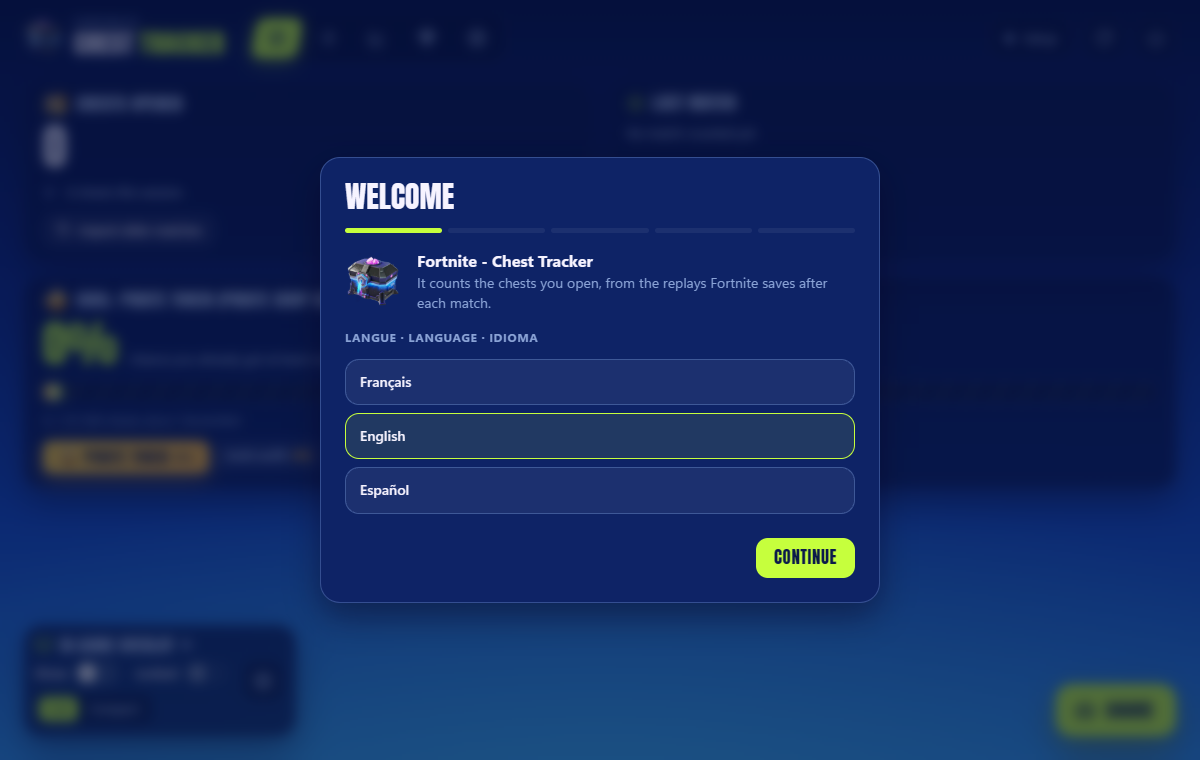
Pick your language
A short setup opens in your browser: the language, your replay folder (found by itself), and whether to open with Fortnite.
Turn on replays in Fortnite
Settings → Game → Replays → Record Replays: On. Without it there is nothing to count.
Play
Set Fortnite to Windowed Fullscreen to see the overlay over the game. Each match is counted a few seconds after it ends.
Free · Windows 10 / 11 · Open source
Other guide: Something does not work?